

Documentation Index
Fetch the complete documentation index at: https://docs.herodotus.cloud/llms.txt
Use this file to discover all available pages before exploring further.
Overview
To use the Herodotus Cloud Services APIs, you need to obtain an API key:
- Visit the Herodotus Console.
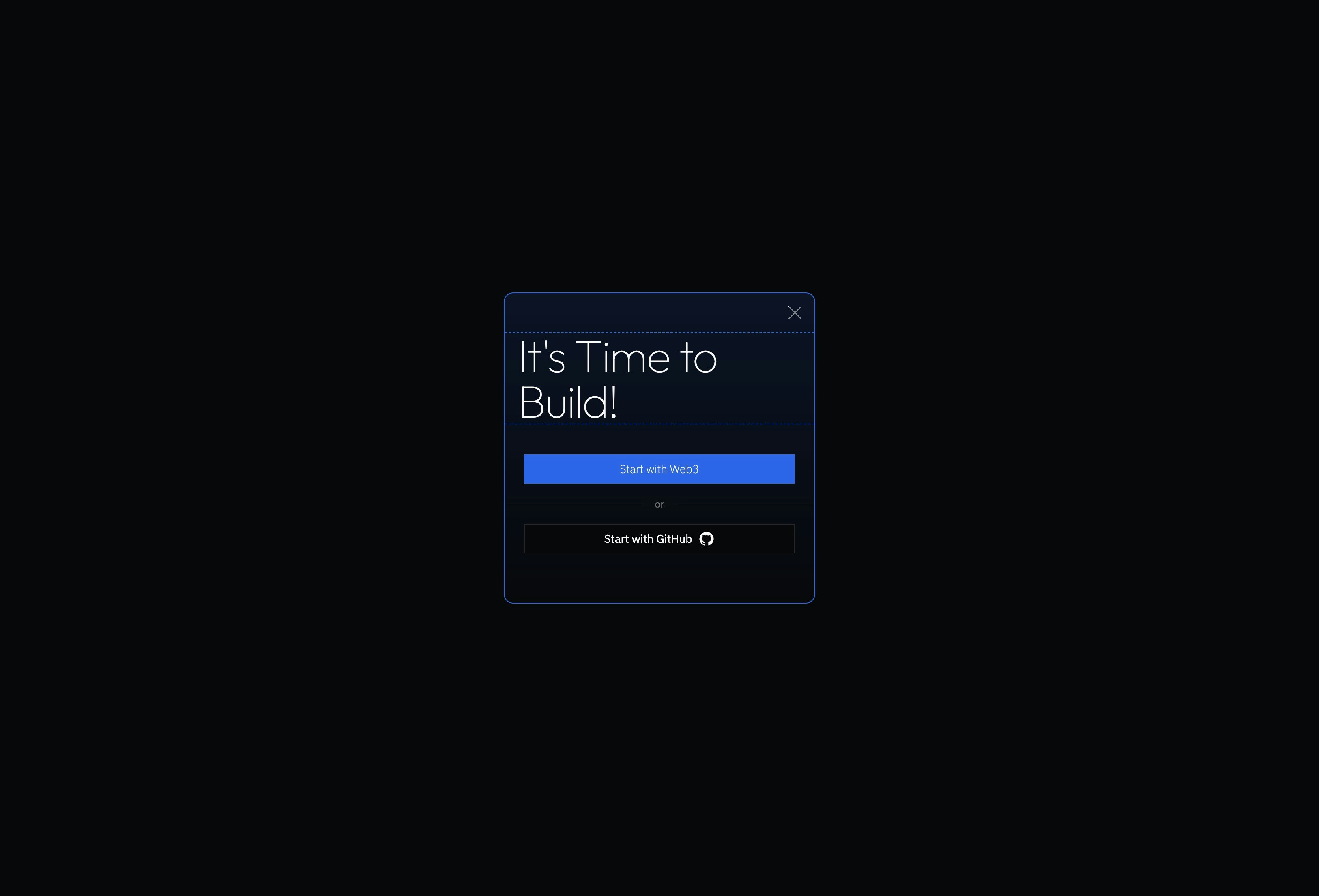
- Register or log in using your GitHub account or in-browser wallet with Sign in with Ethereum.
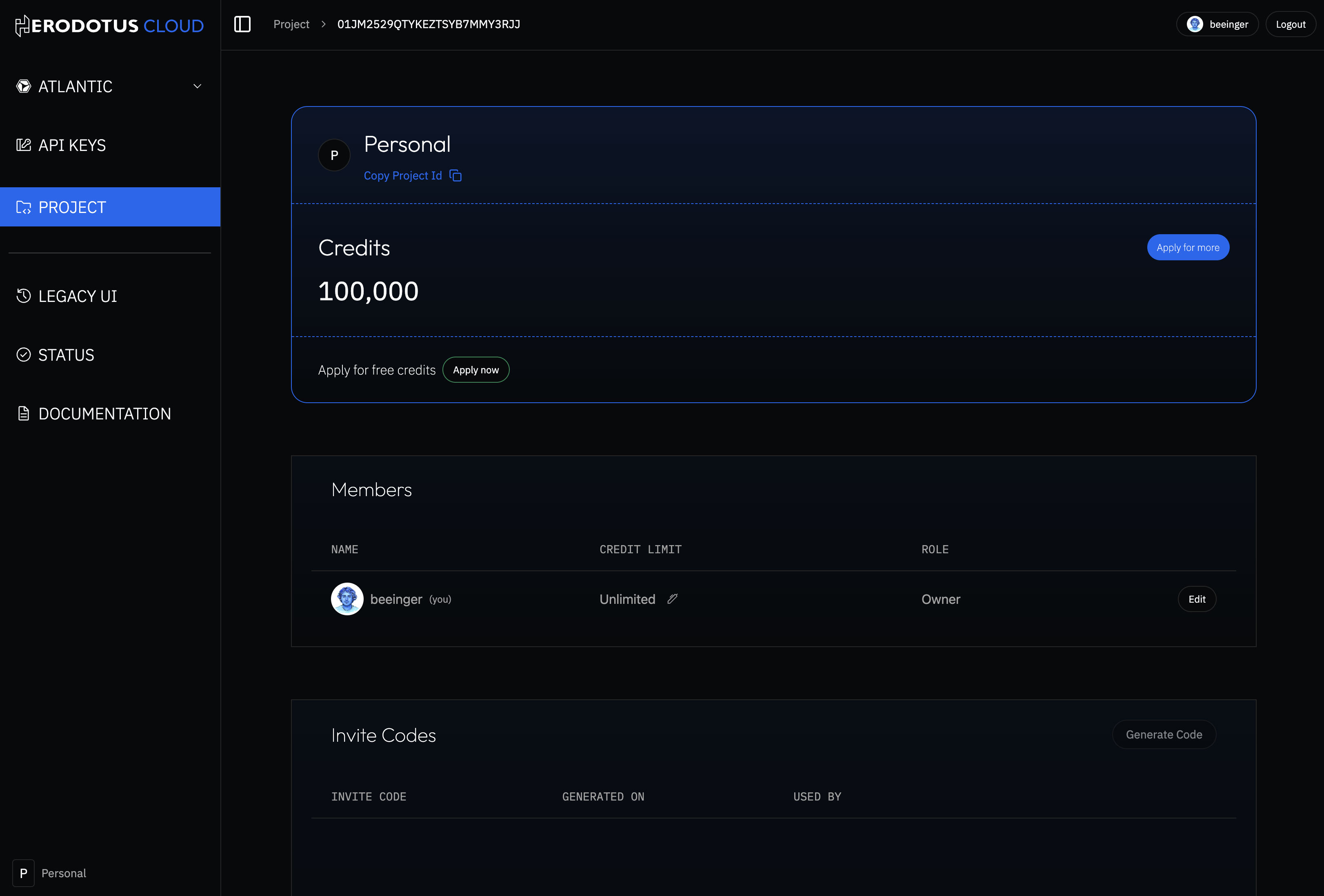
- Apply for credits or use an invite link to a project with credits.
- Once logged in, you can access your API key for your Project.
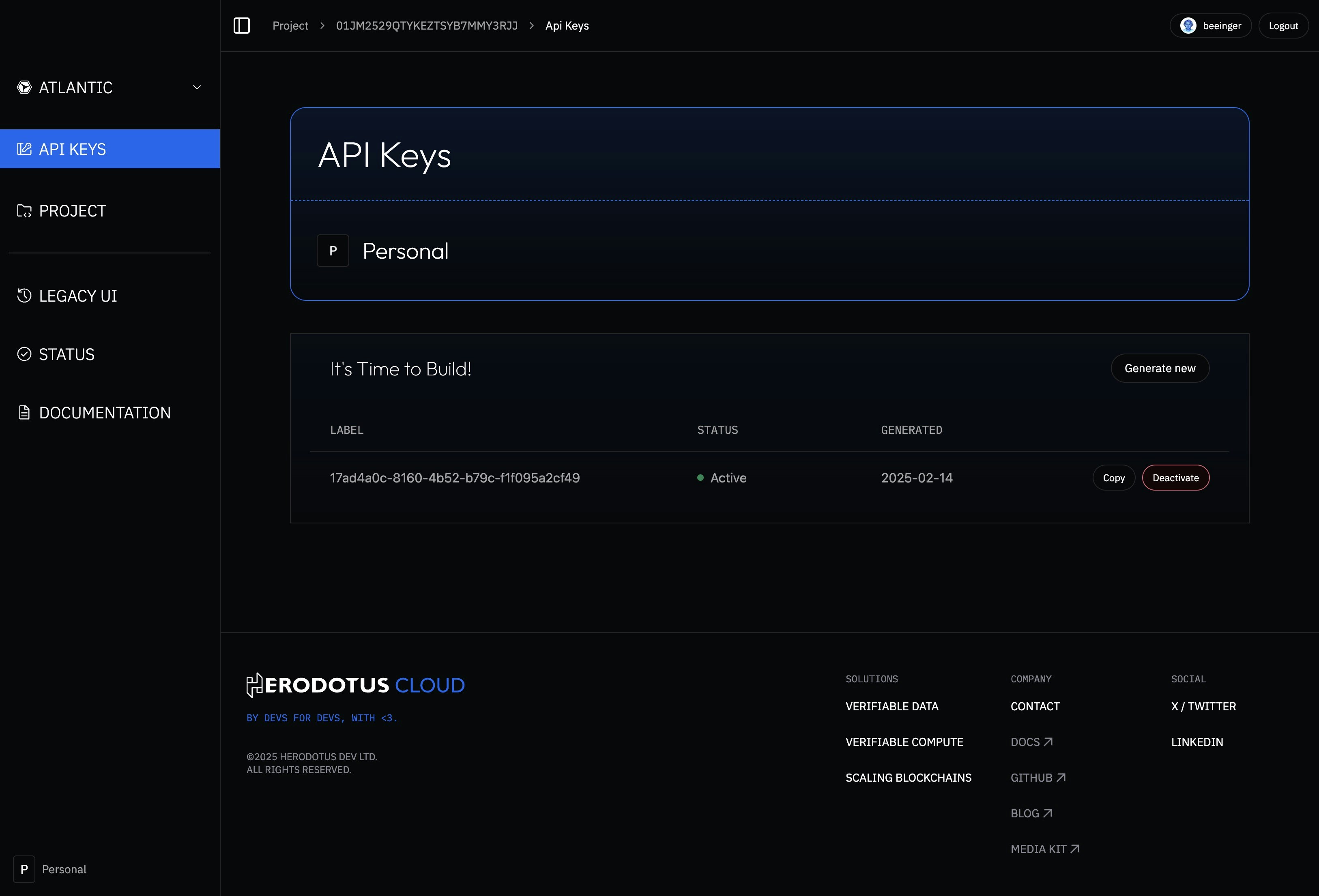
- Include this API key in your requests to authenticate with the API.
Programmatic wallet authentication
For AI agents, CLIs, and other non-browser clients, you can authenticate without the Herodotus Console UI using an EVM wallet and the EIP-712 challenge flow. The result is a Bearer access token plus an API key — no cookie jar required.
Want a copy-paste playbook for an AI assistant? Load the
Herodotus Auth AI Skill — it includes the full
protocol contract, anti-hallucination guardrails, and a viem reference
example.
Base URL (prod): https://auth-billing.api.herodotus.cloud
Step 1 — Fetch a challenge
GET /auth/web3/challenge?wallet=0xYOUR_WALLET_ADDRESS
Response contains a short-lived challengeToken plus an eip712 object with domain, types, primaryType, and message. Sign exactly those fields — do not reconstruct them client-side.
Step 2 — Sign the typed data
Use any EIP-712 signer (viem, ethers, MetaMask, KMS, hardware wallet). The wallet that signs must match the address in the challenge URL.
Step 3 — Exchange for a Bearer session
POST /auth/web3/session
Content-Type: application/json
{
"wallet": "0xYOUR_WALLET_ADDRESS",
"challengeToken": "<from step 1>",
"signature": "<from step 2>",
"channel": "bearer"
}
Response body:
{
"accessToken": "...",
"refreshToken": "...",
"expiresAt": 1730000000,
"selectedProject": "01J..."
}
When channel is "bearer", no Set-Cookie is sent. Use Authorization: Bearer <accessToken> on every subsequent call. Omit channel (or pass "cookie") to fall back to the browser cookie flow.
Step 4 — Retrieve your API key
First-time wallets are auto-provisioned with a Personal project and one active API key. Read it with:
GET /api-keys?projectId=<selectedProject>&limit=10&offset=0
Authorization: Bearer <accessToken>
Response data[0].apiKey is the value to use against Atlantic API, Storage Proof API, etc. To mint additional keys later, POST /api-keys with { "projectId": "...", "type": { "name": "...", "color": "..." } }.
Step 5 — Refresh
When the access token approaches expiresAt, exchange the refresh token for a new pair:
POST /auth/refresh-token
Authorization: Bearer <refreshToken>
Response body returns a fresh { accessToken, refreshToken, expiresAt }. The previous refresh token is invalidated. Cookie callers continue to refresh via cookies — the same endpoint serves both transports.
Channel binding is enforced server-side. A token issued with
channel: "bearer" is rejected if presented via cookie, and vice versa.
This is a security property — do not extract a cookie session JWT and
forward it as Authorization: Bearer. If you need both surfaces, run
the cookie path and the bearer path independently.
End-to-end example (viem)
import { privateKeyToAccount } from 'viem/accounts';
const BASE = 'https://auth-billing.api.herodotus.cloud';
const account = privateKeyToAccount(process.env.HERODOTUS_WALLET_PRIVATE_KEY as `0x${string}`);
const challengeRes = await fetch(`${BASE}/auth/web3/challenge?wallet=${account.address}`);
if (!challengeRes.ok) throw new Error(`Challenge request failed: ${challengeRes.status}`);
const challenge = await challengeRes.json();
const signature = await account.signTypedData({
domain: challenge.eip712.domain,
types: challenge.eip712.types,
primaryType: challenge.eip712.primaryType,
message: challenge.eip712.message,
});
const sessionRes = await fetch(`${BASE}/auth/web3/session`, {
method: 'POST',
headers: { 'content-type': 'application/json' },
body: JSON.stringify({
wallet: account.address,
challengeToken: challenge.challengeToken,
signature,
channel: 'bearer',
}),
});
if (!sessionRes.ok) throw new Error(`Session exchange failed: ${sessionRes.status}`);
const { accessToken, refreshToken, selectedProject } = await sessionRes.json();
const keysRes = await fetch(`${BASE}/api-keys?projectId=${selectedProject}&limit=10&offset=0`, {
headers: { authorization: `Bearer ${accessToken}` },
});
if (!keysRes.ok) throw new Error(`API keys request failed: ${keysRes.status}`);
const keys = await keysRes.json();
const apiKey = keys.data?.[0]?.apiKey;
if (!apiKey) throw new Error('No API key found for selected project');